Orrin: An AI Workspace for Developing Content Ideas
The Problem
My ideas were spread across Notes, Twitter drafts, WhatsApp messages to myself, and a Notion page called “THE VAULT.” Capturing them was easy; returning to develop and publish them was not.
Creators in my community described the same gap. Most tools focus on editing or scheduling once a post already exists. Orrin focuses on the earlier work: capturing an idea, developing it, and deciding what is ready to publish.
The Approach
Orrin treats each idea as the main object. It moves through Draft → Developing → Ready → Shipped, and the same record appears in the list, pipeline, calendar, analytics, and AI conversation.
The assistant is attached to an idea and uses its context plus examples of the creator's past work. Publishing integrations were left outside the initial scope so the product could focus on capture, refinement, planning, and voice.
Dashboard
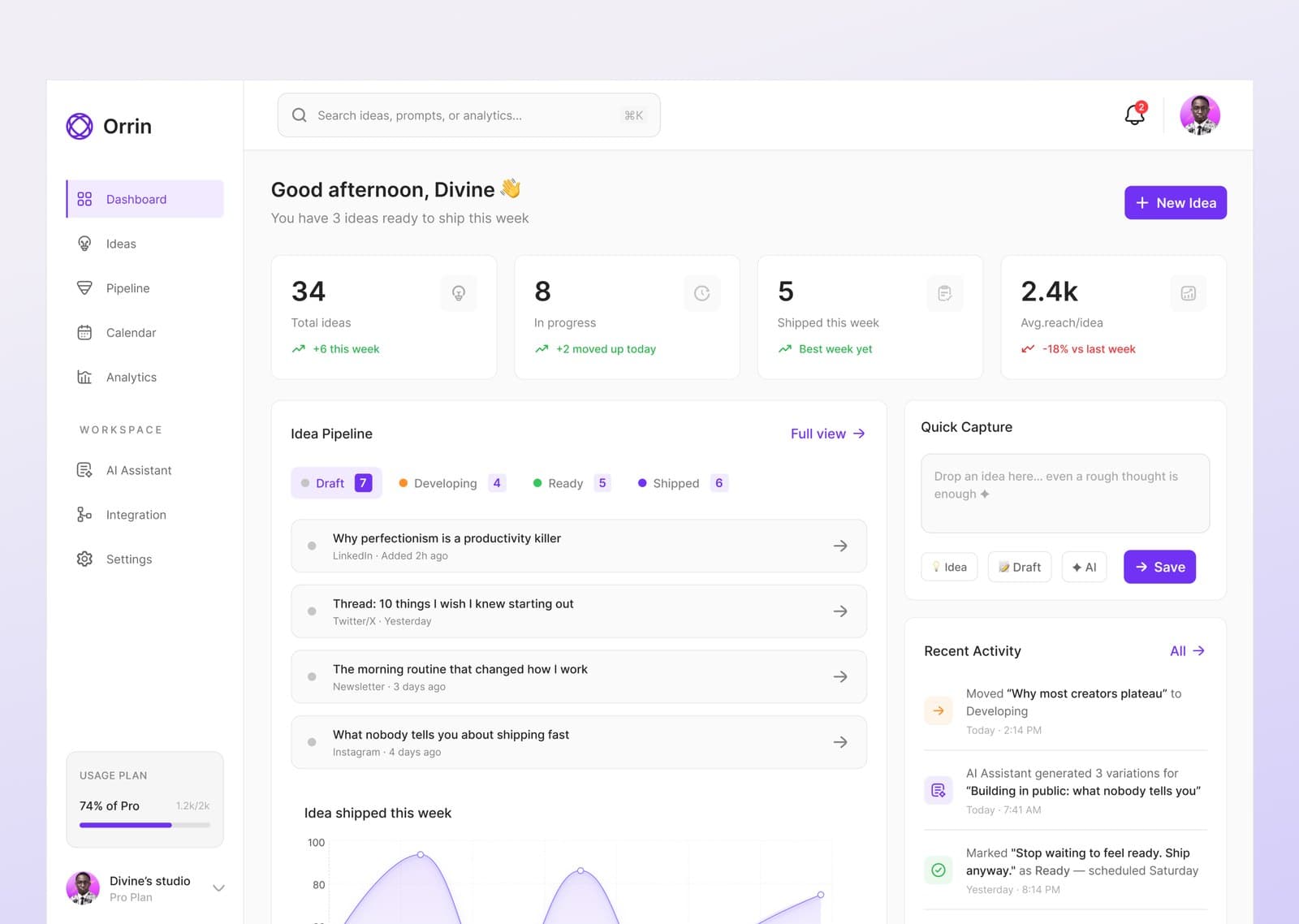
The dashboard summarizes captured, active, and ready ideas, with quick capture always available. A weekly ready-to-ship count gives the creator a clear next action.
Ideas
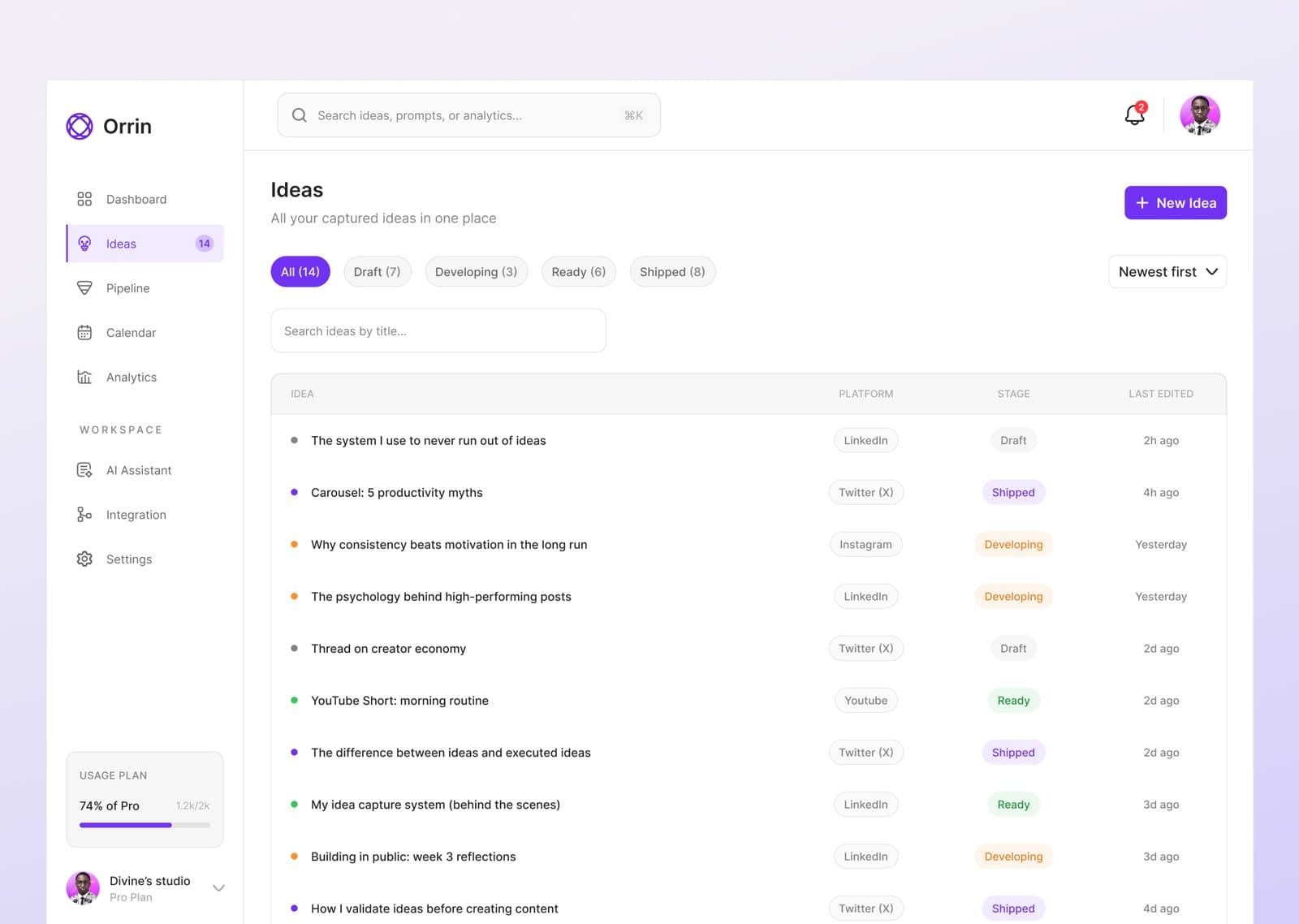
Every idea lives in one record that appears across the pipeline, calendar, analytics, and AI assistant. Its context travels with it instead of being re-entered in each view.
Pipeline
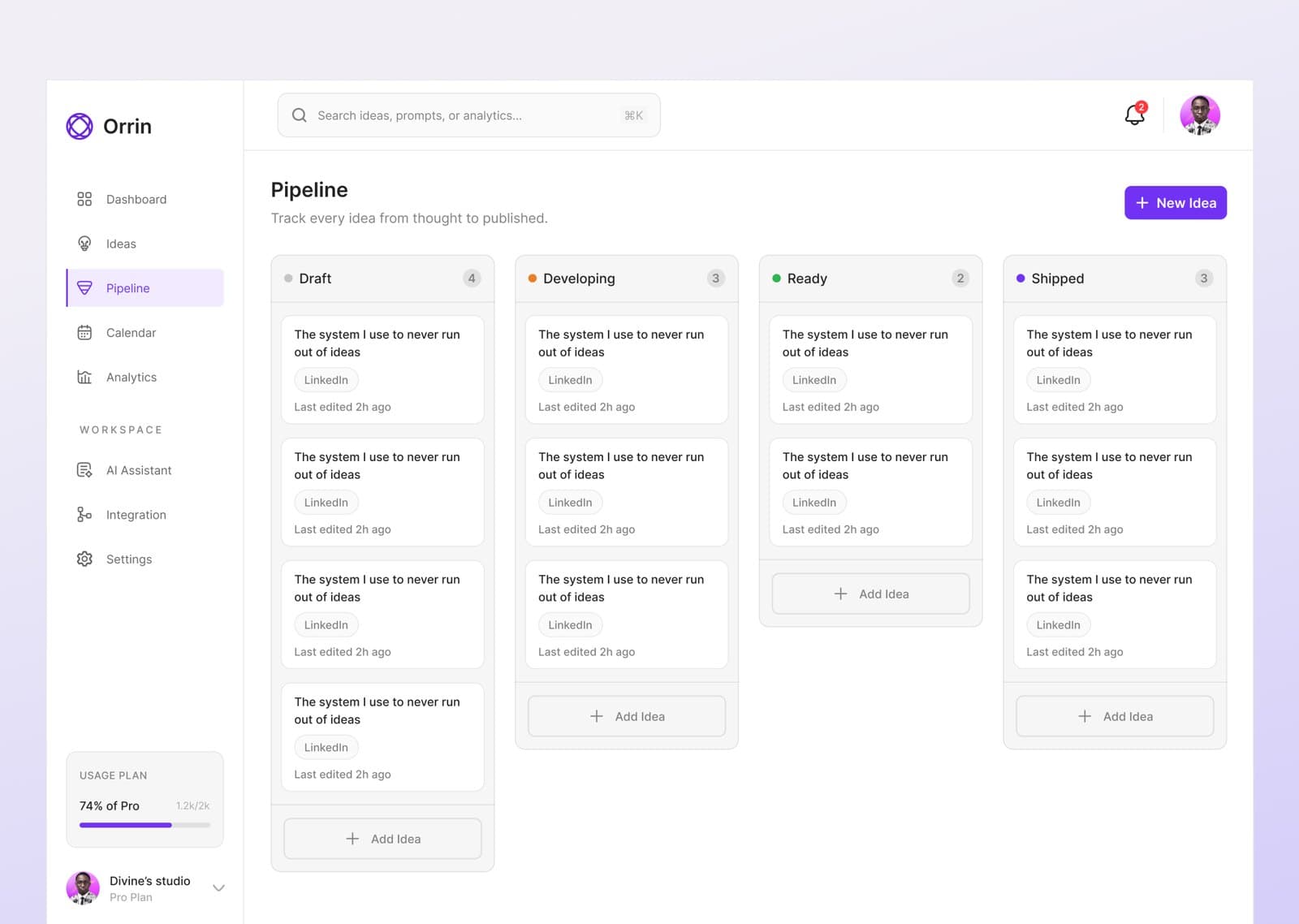
Ideas move through Draft → Developing → Ready → Shipped. The board makes stalled ideas visible and gives creators a simple way to continue work.
Calendar
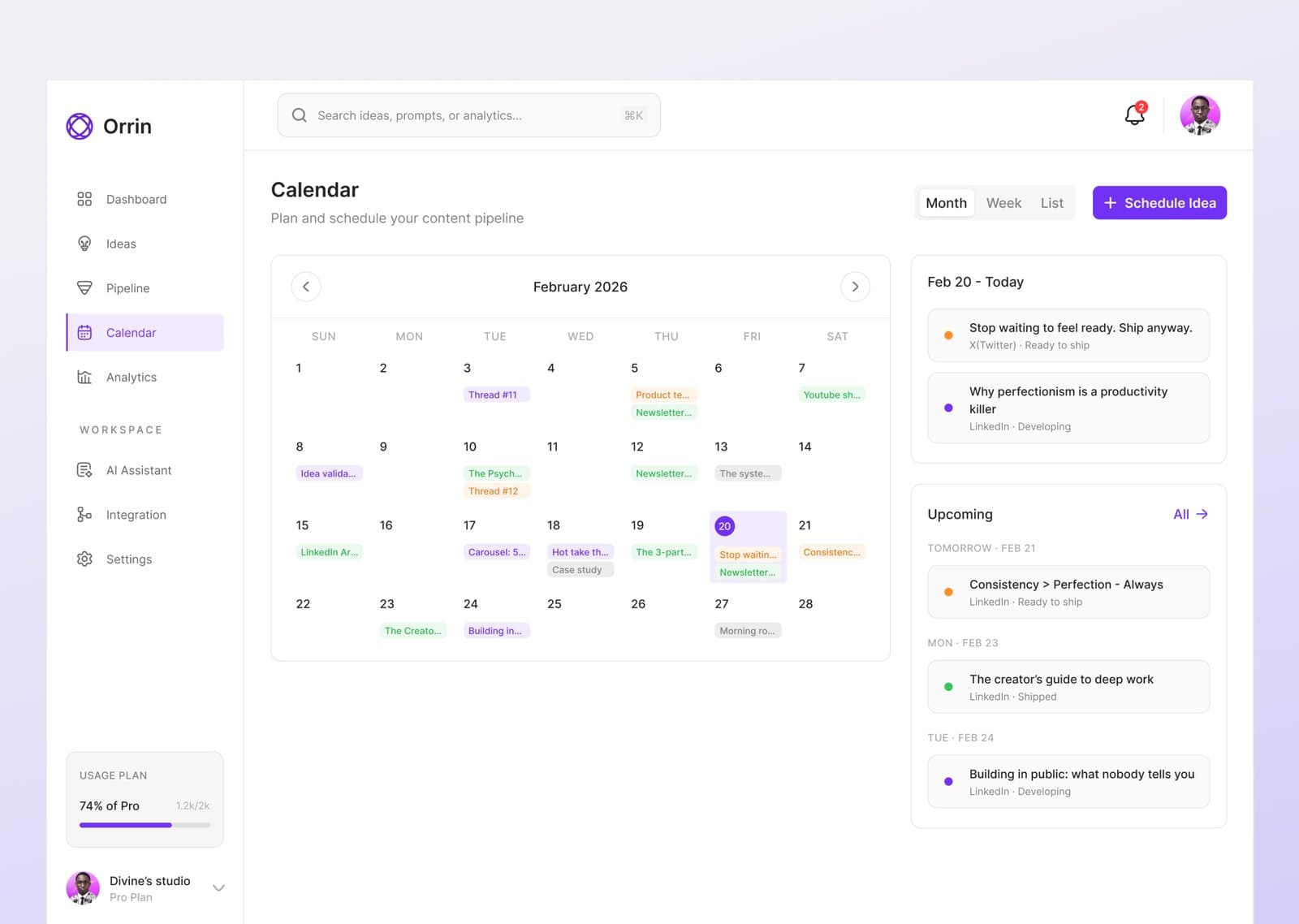
The calendar is for ideas tied to a launch, deadline, or timely topic. Scheduling records intent without forcing every idea onto a date.
Analytics
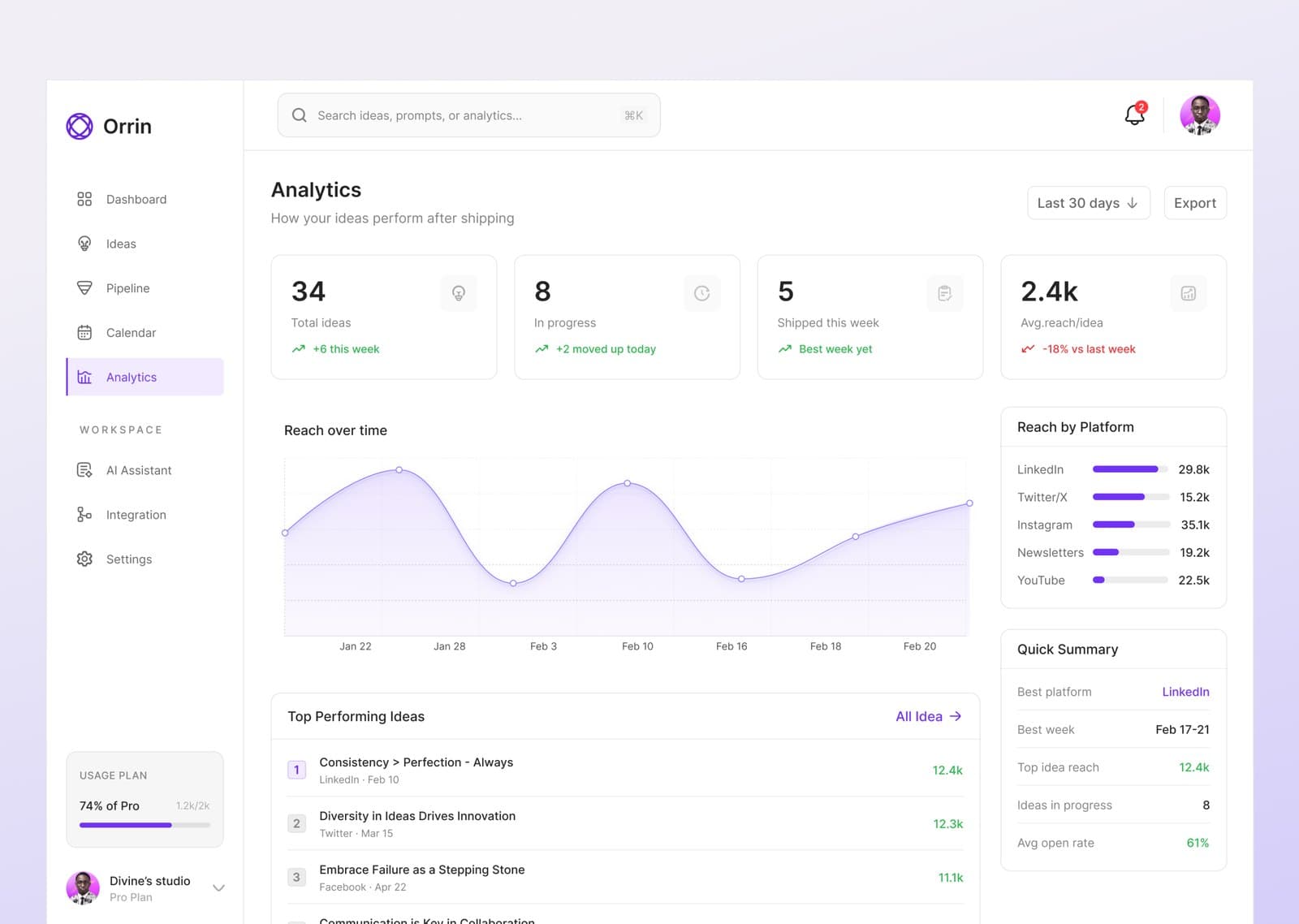
Analytics connects reach and platform performance back to individual ideas, so creators can use previous work to inform what they develop next.
AI Assistant
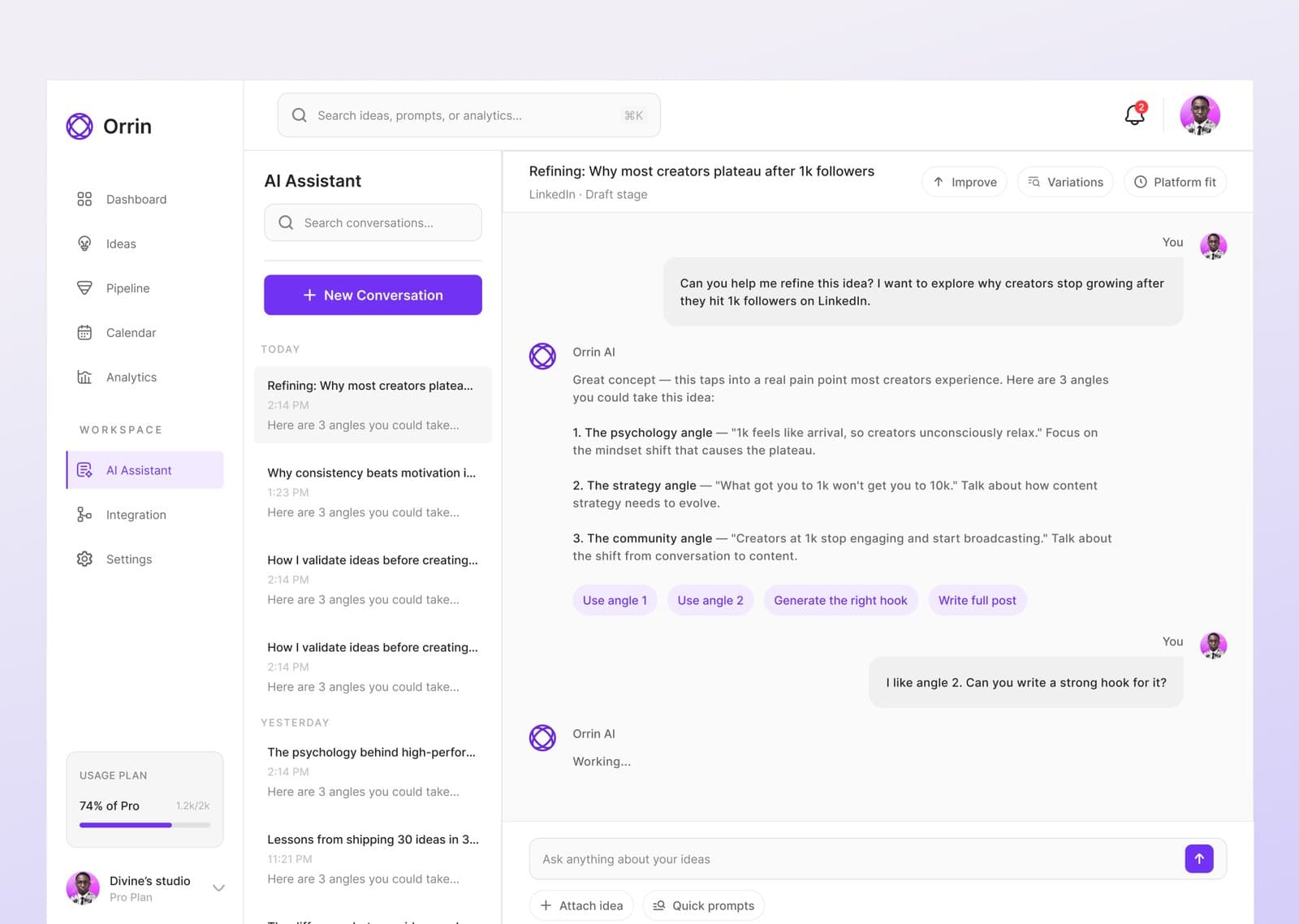
The assistant helps develop a rough thought into angles, a hook, and a draft. Because it is attached to the idea, the conversation starts with context instead of a blank prompt.
Design Components
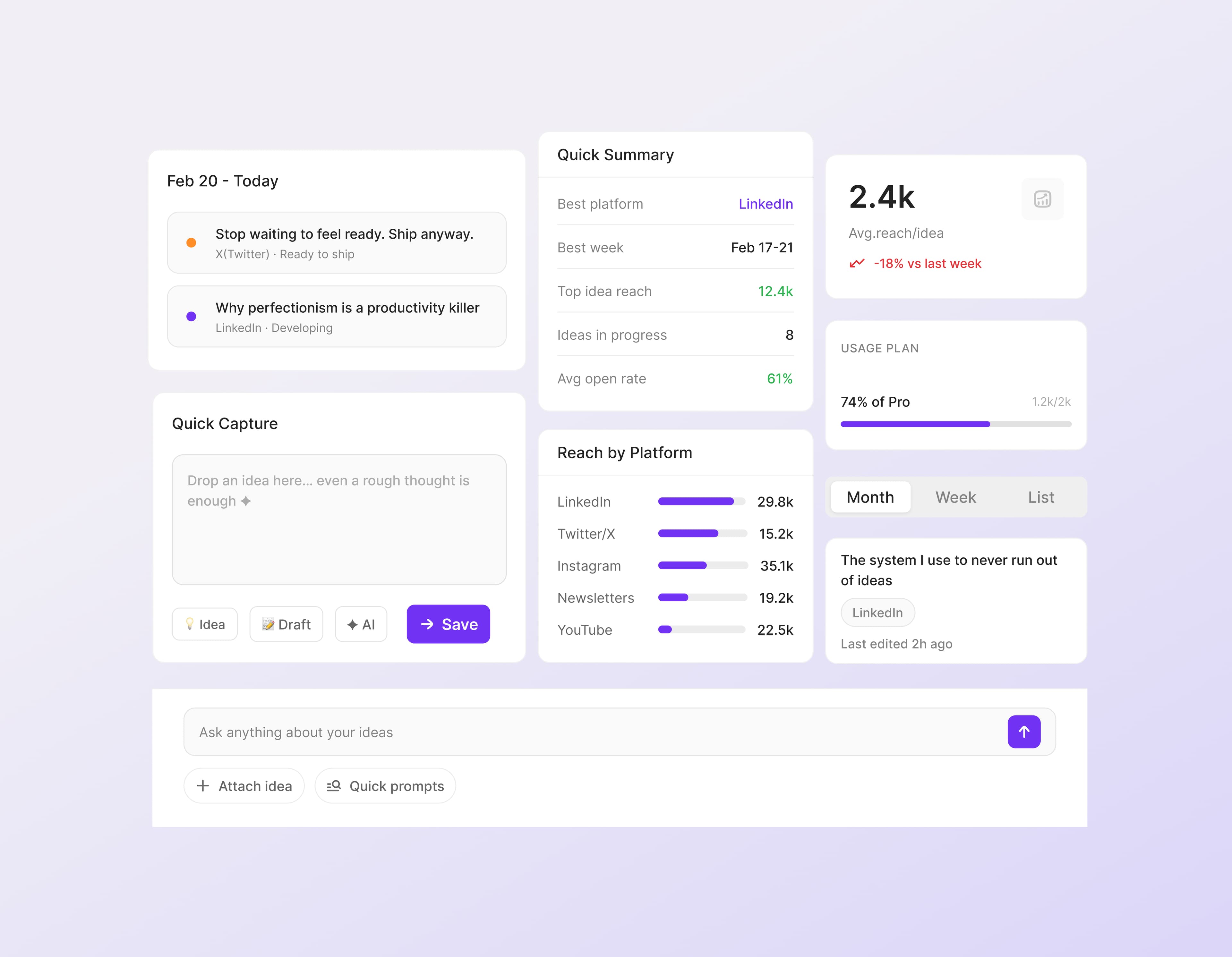
The component set covers capture, summaries, platform reach, usage, calendar views, and the AI prompt bar. Reusing the same components keeps behavior consistent across screens.
What I Learned
I never had to guess where ideas die; my graveyard was open in the other tab. But personal pain can over-index the design toward your own habits, which is why the pipeline supports both the chaotic "capture everything" creator and the methodical planner.